
Apple has released new updates for older iOS, macOS, and watchOS versions. Learn what’s new, who benefits, and how to update your device easily.
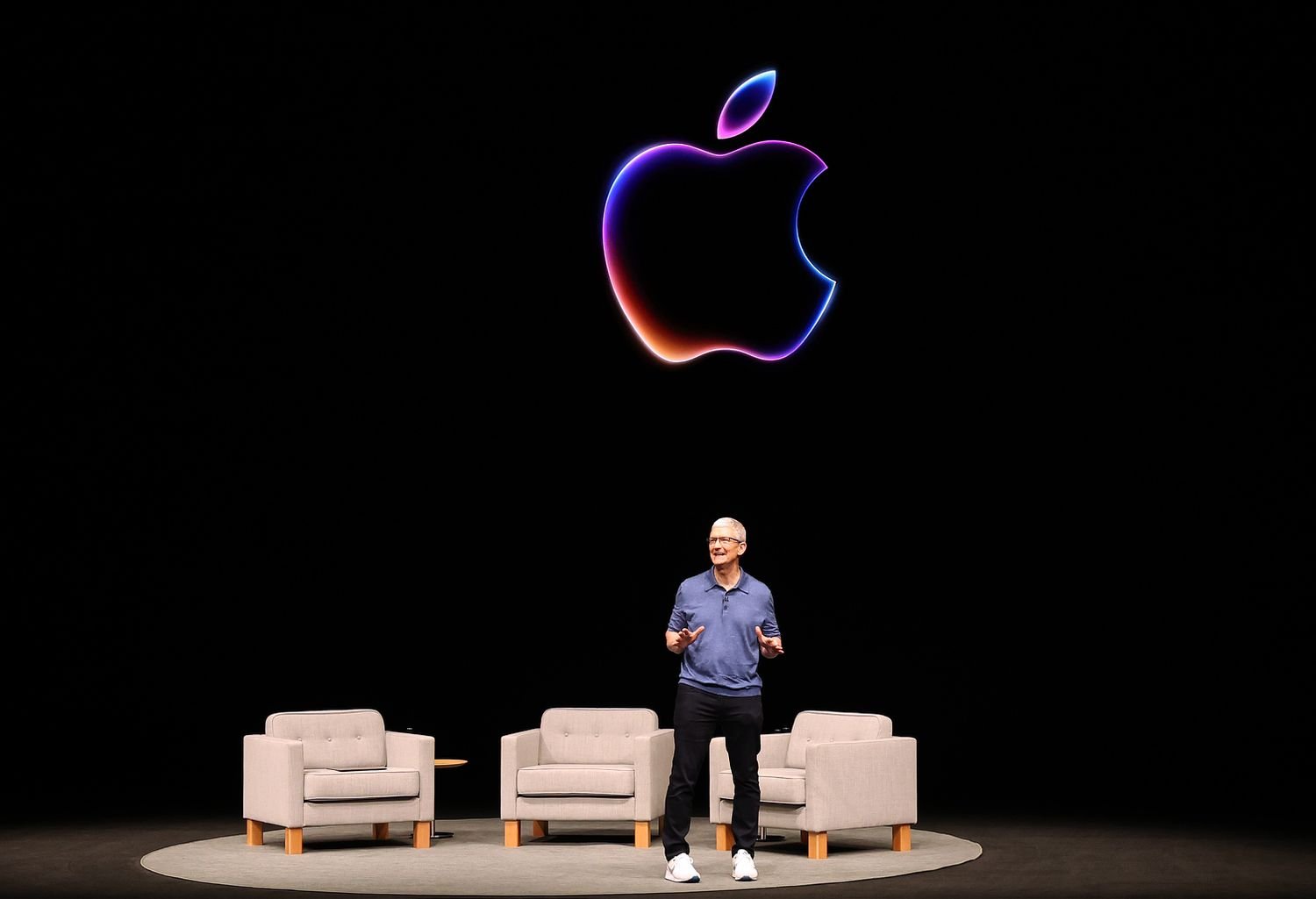
Apple Inc. has once again rolled out a major update for its users. This time, the company is not only focusing on the latest devices but also providing updates for older versions of iOS, macOS, and watchOS.
These updates mainly focus on security improvements and performance enhancements, ensuring older devices remain safe and smooth.
🆕 What Updates Has Apple Released?
Apple has released updates for:
- iOS 15 and iOS 16 (security updates)
- macOS Ventura and older macOS versions
- watchOS older versions
- iPadOS updates
👉 This means even if you’re not using the latest version, your device will still receive important improvements.
🔐 Why Are These Updates Important?
These updates are mainly security patches, which are extremely important.
Key Improvements:
- Better protection against hacking
- Bug fixes
- Improved system stability
- Enhanced data security
👉 If you are using an older iPhone, Mac, or Apple Watch, updating is highly recommended.
📊 Who Will Benefit From This?
This update is especially useful for:
- Users with older iPhones
- Devices that cannot support the latest iOS
- Older MacBooks and Apple Watches
👉 Now, older devices can run more securely and efficiently.
⚙️ How to Update Your Device?
For iPhone / iPad:
- Open Settings
- Go to General
- Tap on Software Update
- Click Download & Install
For Mac:
- Open System Settings
- Go to Software Update
- Install the update
🚀 Why This Move by Apple Matters
Apple Inc. continues to show strong support for its existing users.
👉 Benefits include:
- Increased user trust
- Extended device lifespan
- Better security ecosystem